
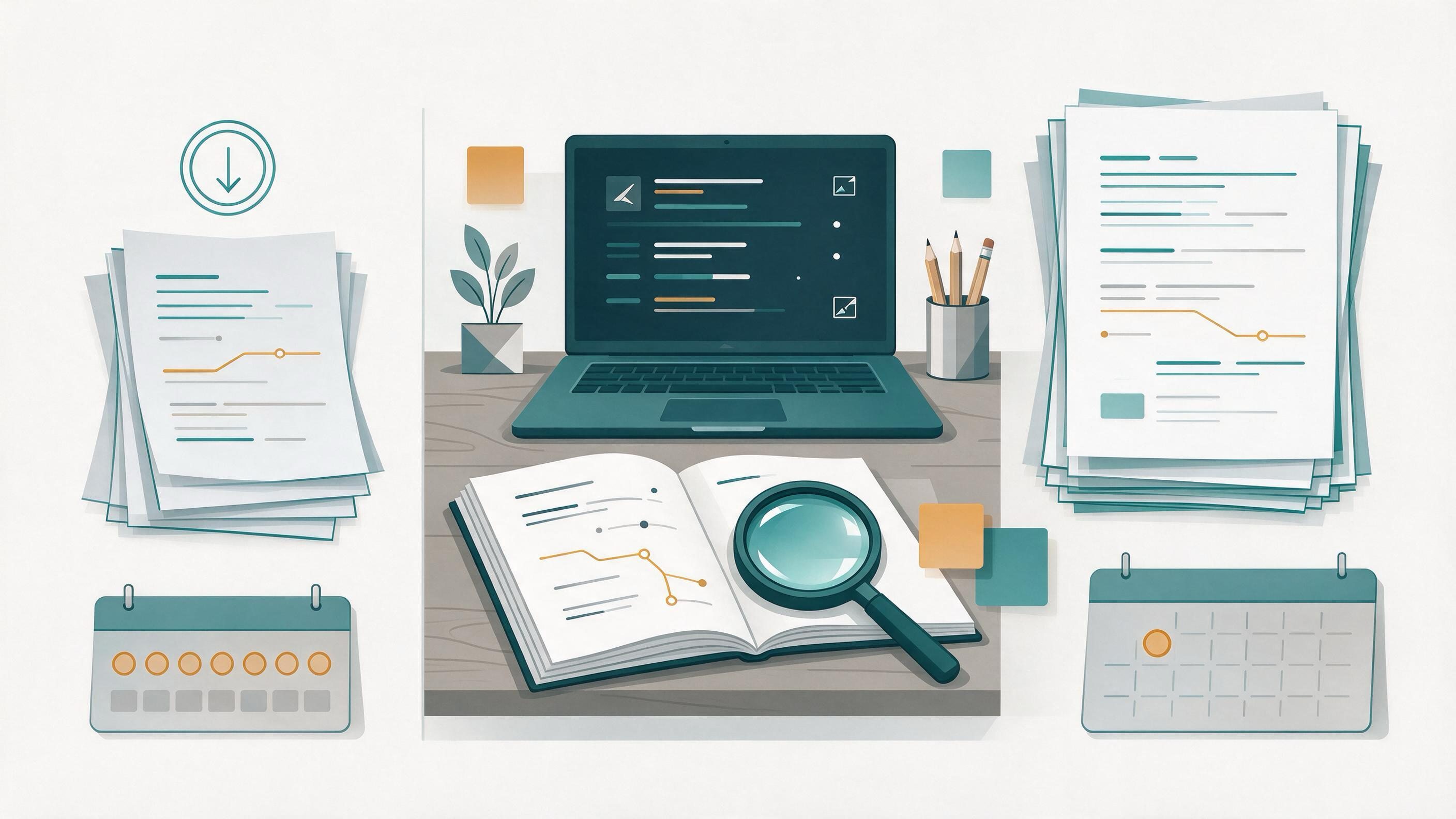
You have a draft in hand—a course paper, a thesis chapter, or a first manuscript—and you are about to start the next project. The question is how to keep the literature current without letting searching become a second job. Weekly literature alerts and monthly search updates are the two common answers, and they are not interchangeable. Alerts push new items to you on a schedule; search updates are deliberate, documented re-runs of a query you control. The right choice depends on how stable your question is, how much screening capacity you have, and what artifact you need to show for your work.
This article compares both options on the same task, shows where each fails, gives a decision table, and ends with a combined workflow you can start this week.
Start by diagnosing your current state
Before choosing a cadence, name what you already have. A useful starting inventory includes:
- A written question and eligibility criteria. Guidance such as the Cochrane Handbook recommends planning searches from eligibility criteria rather than from whatever terms come to mind. If your criteria live only in your head, write them down first.
- A query you can reproduce. PubMed supports field tags, phrase searching, filters, and Advanced Search, and its search details show how terms were translated and combined. That transparency is what makes a monthly re-run meaningful.
- A place to keep records. Cochrane guidance stresses documenting the search process and deduplicating records. If results land in scattered browser tabs, neither cadence will help.
- A screening routine. Cochrane describes screening in stages and linking multiple reports of one study. Decide now whether you screen titles first or titles and abstracts together.
If most of these are missing, your first task is setup, not cadence. A weekly alert on top of an undocumented query just produces a faster pile.
What weekly literature alerts actually do
Alerts are a push mechanism. Google Scholar documents email alerts, and PubMed supports saved searches. Once configured, the system sends you new items matching the query on its own schedule. The reader's job shifts from searching to triaging.
Weekly alerts suit a project where the question is settled and the field moves. You are writing, not redefining. A short weekly pass keeps you from discovering a relevant paper three months late, and the small batch size makes screening realistic.
The cost is control. An alert fires whether or not you have time to screen it, and the query behind it is easy to forget. If you cannot say what terms your alert contains, you cannot defend the coverage of your review.
What monthly search updates actually do
A monthly search update is a deliberate re-run. You open your saved query, execute it, note the date, deduplicate against what you already have, and screen the new records. PubMed's saved searches and search details support exactly this: you can return to the same translated query and see how it was built.
Monthly updates suit a project where the question is still moving. You want a bounded, documented checkpoint rather than a steady drip. The monthly rhythm also forces a screening session; a month of new records is small enough to clear in one sitting.
The cost is latency and discipline. A paper published early in the month waits weeks for your attention, and a skipped month silently becomes a two-month gap unless your log records it.
Compare both options on the same task
Take a concrete case: a master's student finishing a thesis chapter on a defined topic and preparing the next project. Both cadences face the same five jobs.
| Task | Weekly alerts | Monthly search updates |
|---|---|---|
| Capture new items | Automatic, small batches | Manual re-run, larger batch |
| Keep the query visible | Easy to forget what the alert contains | Query is re-executed and reviewed each time |
| Document coverage | Requires a separate log | The re-run date is a natural record |
| Screen efficiently | Short weekly sessions | One longer monthly session |
| Adapt to a shifting question | Slow; you must rebuild the alert | Fast; edit the query before re-running |
Neither column wins outright. The table shows the trade: alerts buy recency at the cost of visibility, updates buy control at the cost of latency.
Where weekly alerts fail
Alerts fail in three predictable ways.
- Query drift. You set the alert months ago and never revisited the terms. Because the alert runs silently, a stale query looks like coverage.
- Batch mismatch. A busy week produces a backlog, and the backlog becomes the reason to stop reading alerts.
- Narrow reach. An alert reflects one query in one system. Cochrane guidance recommends using multiple sources and combining free-text terms with subject headings; a single alert rarely satisfies that on its own.
Where monthly updates fail
Monthly updates fail differently.
- Skipped months. Without a calendar commitment, the update slides. The gap is invisible unless you log each run.
- Late discovery. A paper that changes your framing can sit unnoticed for weeks.
- Undocumented re-runs. If you re-run a query but do not record the date and the results you screened, the update is not a record—it is just another search.
A decision table for your situation
| Your situation | Better starting point | Why |
|---|---|---|
| Question is fixed; you are writing up | Weekly alerts | Small batches keep you current while drafting |
| Question is still shifting | Monthly updates | You can revise the query before each run |
| You need a documented search record | Monthly updates | Each re-run date becomes part of the log |
| You have very little time each week | Monthly updates | One bounded session beats a weekly backlog |
| The field moves quickly and you can screen briefly | Weekly alerts | Recency matters more than batch size |
| You are cleaning up after a break | Monthly updates first, then alerts | Re-establish the query, then keep it current |
Worked example: the winter-break cleanup and January start
Suppose you finished a course paper in December and want to start a January project on a related topic. Over the break, your saved searches went unscreened.
Step 1: Rebuild the query. Return to your eligibility criteria and reconstruct the search. In PubMed, use Advanced Search and check the search details to confirm how your terms were translated and combined. In Google Scholar, you can search by author and title and use date limits to bound the catch-up window.
Step 2: Run one catch-up update. Treat the break as a single monthly-style update. Deduplicate against what you already saved, then screen in stages as Cochrane describes.
Step 3: Switch to weekly alerts for the new project. With the query now current and documented, an alert keeps it fresh while you write.
Step 4: Schedule a monthly checkpoint anyway. Once a month, re-run the query manually and compare it against the alert. This catches what the alert missed and keeps the query honest.
Build the artifacts that make either cadence work
Cadence is only as good as the records behind it. Three artifacts carry the work:
- A search log. Record the query, the source, the date run, and how many records you screened. Cochrane guidance on documenting the process supports this directly.
- A deduplicated library. Keep one place for saved records so that new items can be checked against what you already have. WisPaper's My Library lets you save or upload papers and organize them in one library, which gives both cadences a single place to land.
- A screening decision per record. Include, exclude, or follow up. Linking multiple reports of one study, as Cochrane describes, prevents double-counting the same work.
Put the tools at the right steps
Tools help most when they sit at a specific step rather than hovering over the whole process.
At the search step. When you need to find academic papers through a scholarly search interface, WisPaper search is the entry point. Use it to build and re-run the query that your monthly update depends on.
At the screening step. Once papers are in your library, Library QA lets you ask questions based on papers uploaded to My Library or added from search results. That is useful when a batch of new records needs a quick relevance check before you commit to reading.
At the citation step. Before you submit, run your BibTeX through TrueCite, which checks BibTeX against real academic databases to flag hallucinated references. This matters most after a period of rapid collection, when references accumulate faster than they are verified.
At the project step. If the next project needs its own workspace, Research Projects is where you create a new project and keep the work separate from the finished one.
Know when the result is ready
A literature-update routine is ready when you can answer four questions without opening a browser:
- What is my query, and where does it run? You can state the terms, the source, and the fields used.
- When did I last run it? The date is in your log, not in your memory.
- What did I screen, and what did I decide? Each new record has an include, exclude, or follow-up note.
- What is my next scheduled action? Either the next alert triage or the next monthly re-run is on your calendar.
If any answer is missing, the routine is not ready—regardless of which cadence you chose.
Your next action
Pick one: if your question is settled, set a weekly alert today and put a monthly manual re-run on your calendar as a check. If your question is still moving, schedule the monthly update first and add alerts only after the query stabilizes. Either way, write the query and the date into your search log before you close the tab.
FAQs
Keep Reading
You Can Summarize Every Paper but Still Cannot Explain the Pattern
You have a folder of clean one-paragraph summaries, one per paper. You can describe any single study on request. What you cannot do is say what the body of work, taken together, actually shows — where the studies agree,

You Have 300 Saved Papers and No Reading Priority
A library of 300 saved papers is not a reading list. It is a pile. The pile grew because saving was cheap and deciding was expensive: every search result that looked relevant went into a folder, and no one ever asked whi

You Return to a Thesis Chapter After Six Months Away
You open the file and the cursor sits where you left it in June. The chapter has a title, three sections, a comment from your supervisor you no longer understand, and a reference list you cannot vouch for. The task is no